
iOS 27 Beta Rewires Core iPhone Gestures, Embracing Siri AI and Larger Screens
Apple's upcoming iOS 27, currently in beta, introduces changes that go far beyond a fresh coat of paint. The update fundamentally alters how users interact with their iPhones and iPads, most notably by reassigning the long-standing swipe-down gesture from Notification Center to the new Siri AI. Simultaneously, iOS 27 significantly expands landscape mode across Apple's built-in apps, offering a compelling reason to consider a larger iPhone. As public beta testers get their first extended hands-on, early feedback suggests these changes—while initially disorienting—may point to a more AI-centric and versatile mobile experience.
Siri AI Takes Over the Top Edge
For 15 years, swiping down from the top of the iPhone or iPad display opened Notification Center. With iOS 27, that muscle memory is being challenged. According to 9to5Mac, once users enable Siri AI, a swipe down from the center of the top edge now invokes the digital assistant instead of revealing notifications. Notification Center remains accessible by swiping down from the top-left corner, but its activation zone has been reduced to a smaller surface.
Early beta releases made the change feel abrupt, particularly on iPadOS 27 beta 1, where the area above the Home screen app icons was almost entirely devoted to Siri AI. Apple refined this in beta 2, creating a more balanced layout on the iPad: Notification Center on the left, Control Center on the right, and the middle reserved for Siri. On the iPhone, alerts now animate in from the top-left corner, subtly guiding users toward the new notification surface.
This shift is a clear sign that Apple is prioritizing Siri AI above all else. The company is betting that users will want quick, constant access to a smarter assistant—so much so that it is willing to disrupt a gesture that has been second nature for over a decade. Some early testers have expressed frustration, with one 9to5Mac commenter noting they would disable the new Siri invocation if a setting existed. However, early feedback overall has been overwhelmingly positive regarding Siri AI's improved performance, with many noting that "Siri is good now."
Landscape Mode Expansion Makes Larger iPhones More Appealing
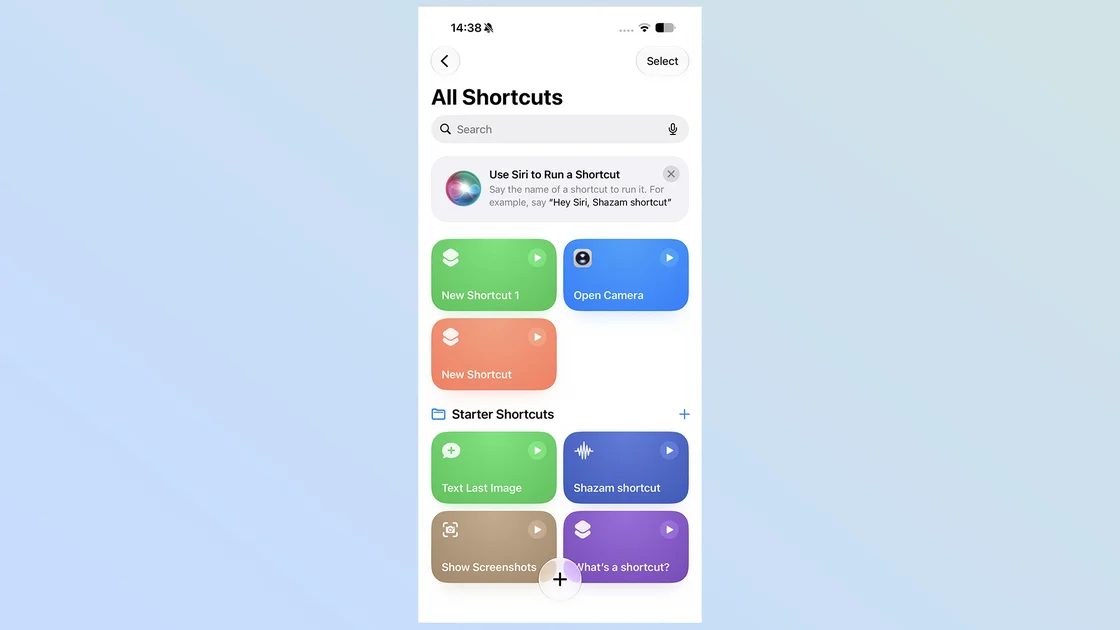
iOS 27 also brings the biggest expansion of landscape mode ever seen on the iPhone. Apps that previously only worked in portrait—such as Find My, Fitness, Health, Home, Music (player only), Podcasts (player only), Shortcuts, and Weather—now rotate to landscape on compatible devices. This joins existing landscape support for Messages, Notes, Mail, and Safari, creating a more cohesive horizontal experience.
While landscape mode works on smaller iPhones, Apple's optimization shines on larger displays. Sidebar layouts and multi-pane interfaces feel far more natural on devices like the iPhone 18 Pro Max or the rumored iPhone Ultra. For users who have historically preferred compact phones, like the iPhone mini, this is a significant consideration. As one 9to5Mac writer noted, "With iOS 27, larger models have a new advantage."
This expansion also foreshadows the anticipated foldable iPhone Ultra. A foldable device would benefit immensely from universal landscape support, allowing seamless multitasking when partially unfolded. The convergence of these software changes with hardware rumors strongly suggests Apple is preparing its ecosystem for a new class of device.
Safari and iPhone Mirroring Get Meaningful Upgrades
Beyond the headline gestures, iOS 27 delivers quality-of-life improvements to everyday apps. CNET's hands-on with the public beta highlights Safari's return to form. The All Tabs icon, which was removed in iOS 26's compact toolbar, has made a comeback, replacing the three-dot menu. Long-pressing it still gives access to new tab and private browsing options. Additionally, the Bookmarks icon has been restored to the top of new tab pages alongside Reading List and History, reducing navigation friction.
Safari now also auto-organizes open tabs by category, a godsend for users who juggle dozens of tabs. One CNET journalist, who maintains 72 "emotional support tabs," praised the feature as "super useful." These refinements address the most common complaints about iOS 26's redesigned Safari and reinforce Apple's commitment to iterative polish.
Meanwhile, iPhone Mirroring—the feature that lets users control their iPhone from a Mac—gains three key upgrades in iOS 27 and macOS 27 Golden Gate. First, the mirroring window can now be resized freely, moving beyond the previous three fixed sizes. Optimizations for Apple's native apps are already in place, with third-party support expected as developers update their apps. Second, Control Center is now accessible via a keyboard shortcut (CMD+4) or the View menu, enabling quick toggles without touching the physical iPhone. Third, DRM-protected video finally plays correctly in the mirrored window, eliminating the frustrating black screen that previously appeared.
These changes position iPhone Mirroring as a more robust productivity tool, blurring the lines between mobile and desktop workflows. The resizing capability, in particular, hints at deeper integration with the forthcoming foldable iPhone, which could leverage large-screen multitasking.
A Thumb-Friendly Future and the Road to iPhone Ultra
The broader implications of iOS 27 extend beyond individual features. By reassigning the top edge to Siri AI and expanding landscape support, Apple is making a calculated bet that larger screens and voice-first interactions will define the next era of mobile computing. The shift mirrors the transition from the iPhone X, which moved Control Center to the top-right corner and set the stage for edge-to-edge displays.
For users, this means adapting to new habits—and potentially reconsidering their next iPhone purchase. While the changes may initially feel disruptive, they align with Apple's long-term strategy: a more integrated, AI-assisted ecosystem where the device adapts to the user's context. As the fall release approaches, it's clear that iOS 27 is not just an incremental update but a foundational shift in how we interact with our most personal technology.
Comments